 Activity for ClickUp
Chrome extension for ClickUp
Stop hunting. Go straight to the change.
ClickUp tells you something happened. Activity takes you to the comment, reply or change behind it and highlights it.
On the Chrome Web Store. 14-day free trial, no card needed.
Features
Skip the notification scavenger hunt
-
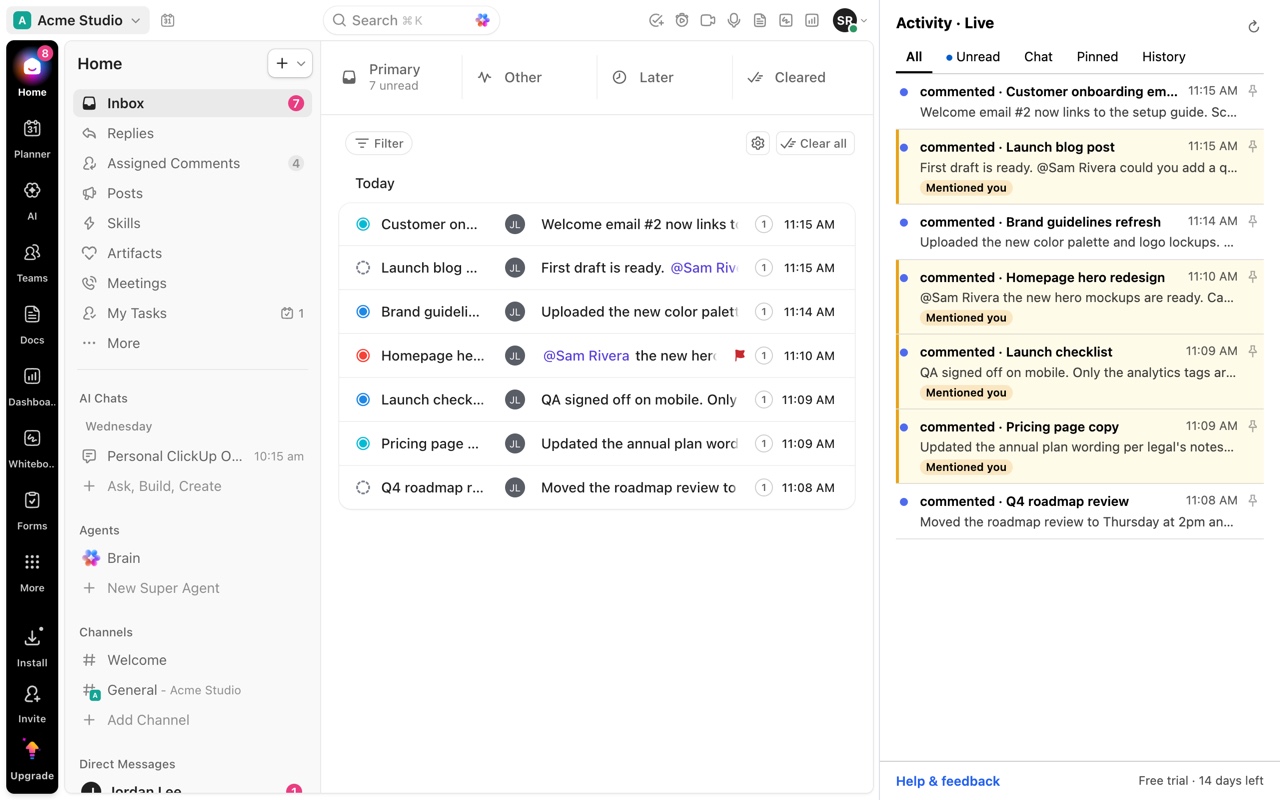
One feed, beside any page
Inbox notifications and Chat conversations together, in a panel that stays open while you work.
-
Jump to the exact change
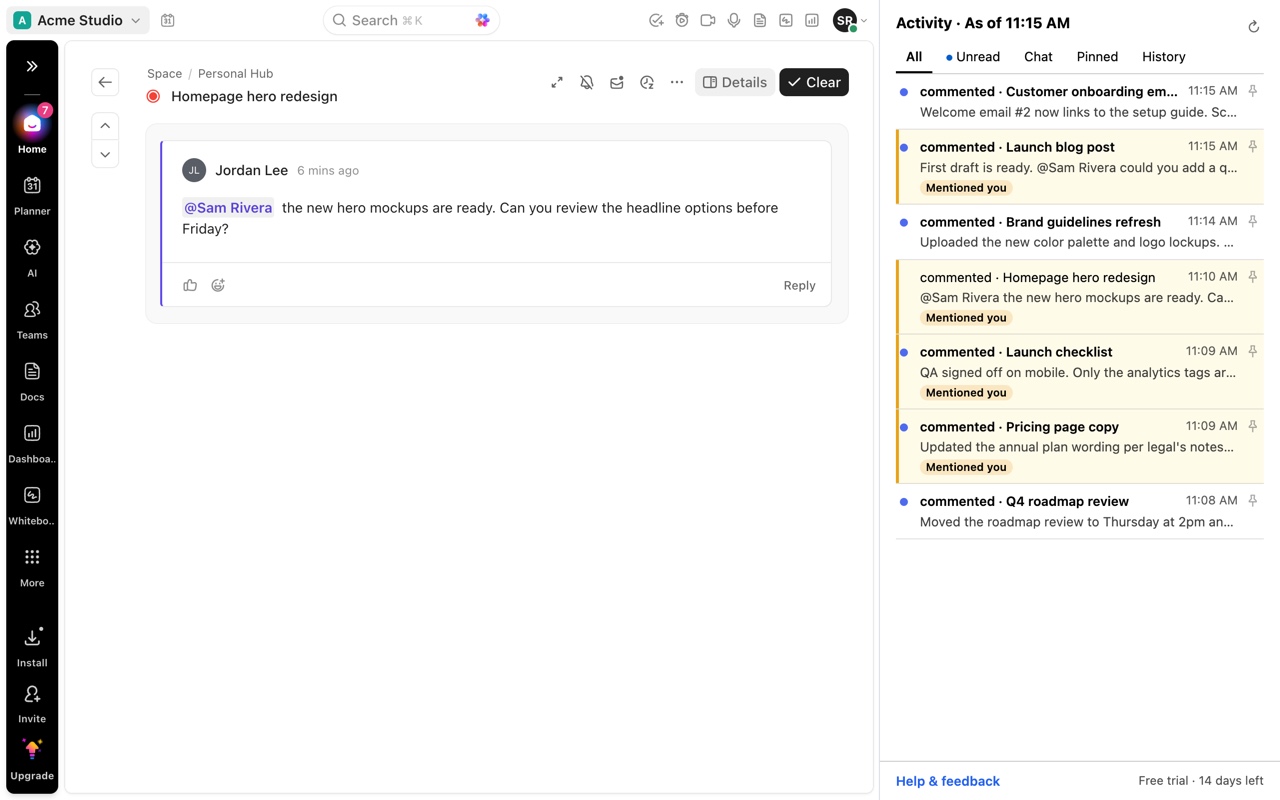
Opens the item in your ClickUp tab and highlights the specific comment, reply or field change.
-
Unread follows ClickUp
When ClickUp marks something read, the panel shows it as read. No second inbox to clear.
-
Built for the keyboard
Tabs for All, Unread, Chat, Pinned and History, with keyboard navigation throughout.
Jump to the comment
Land on the comment, not the top of the task
Click a notification and ClickUp opens right at the comment that triggered it, highlighted. Mentions stand out in the feed, and pins keep the things you need to come back to.
Why it exists
ClickUp users describe the same problem
A notification tells you something changed. The hard part is finding what changed.
ClickUp users on Reddit describe opening a notification, landing in a busy task, then spending time working out which comment, reply or thread actually triggered it. One user said it can take 20+ seconds to identify the new comment, and sometimes they give up before finding it.
Activity removes that hunt. Choose the notification in the side panel and ClickUp opens at the comment, reply or change behind it, highlighted.
Less rereading. Less scrolling. Back to work.
Private by design
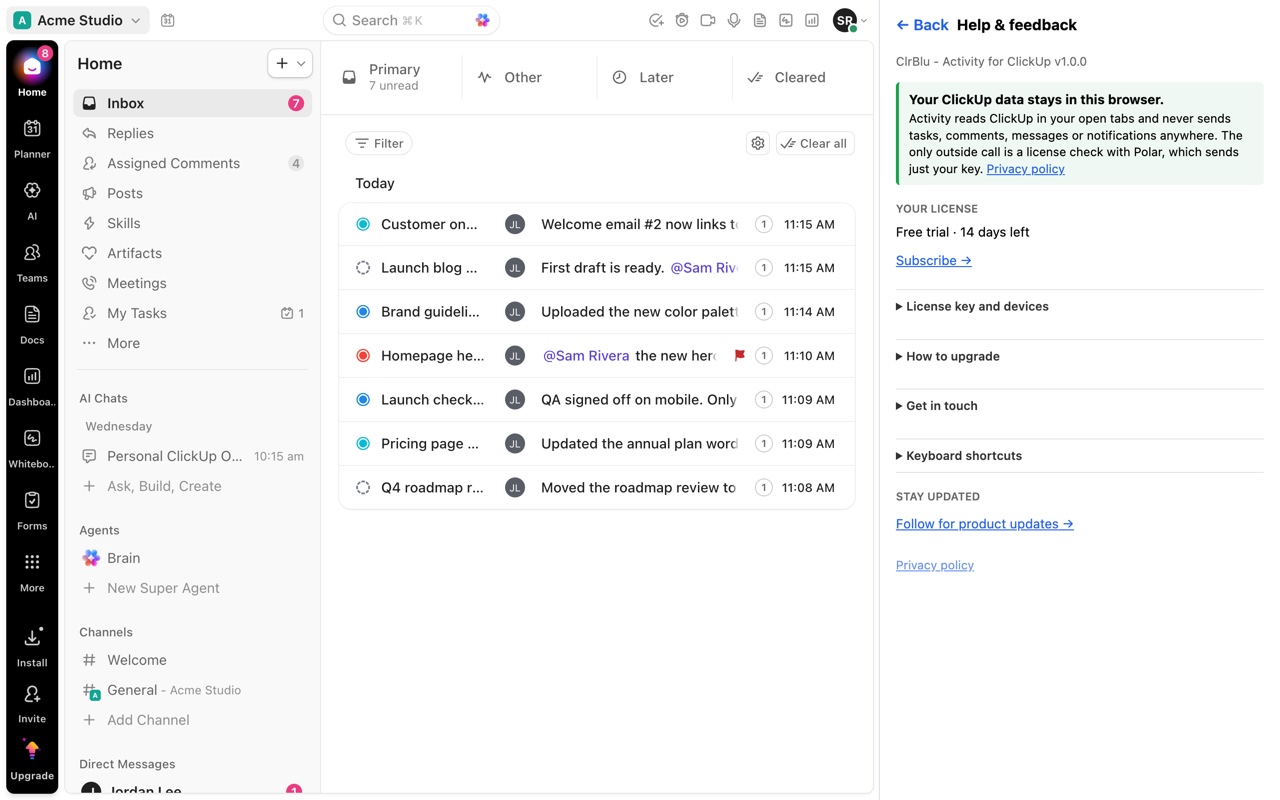
Your ClickUp data stays in your browser
No analytics, no tracking, no ClickUp login or API access. The only other connection is a once-a-day license check with Polar, our payment provider, which sends the license key and never your ClickUp data.
Get started
Up and running in a minute
-
Install
Add the extension to Chrome and open ClickUp.
-
Open the panel
Click the Activity icon to open the side panel.
-
Start your trial
Choose Start free trial, enter your email, and paste the license key from the confirmation page.
Pricing
Simple per-seat pricing
Every plan starts with a 14-day free trial. No card needed, just your email. Prices in US dollars; tax is added at checkout where it applies.
-
1 seat
$2.99/month
or $29/year
-
5 seats
$11.99/month
or $119/year
-
10 seats
$19.99/month
or $199/year
-
25 seats
$39.94/month
or $398.95/year
Any number of seats can be bought. Each seat gets its own license key, usable on up to 2 computers. Buy for a team and invite teammates from your account; each teammate gets their own key by email. Cancel anytime.
The ClickUp notification problems Activity fixes
7 guides
- Guide Why doesn't a ClickUp notification open the exact comment?
- Guide ClickUp notification says something changed. How do I find what changed?
- Guide ClickUp threaded comment notifications: how to find the new reply
- Guide The ClickUp Inbox takes too many clicks. Is there a faster way?
- Guide How to see ClickUp Inbox and Chat in one place, beside your work
- Guide How to stop missing @mentions in ClickUp
- Guide How to keep track of ClickUp notifications you need to come back to
FAQ
Questions
Does it need my ClickUp login or API key?
No. It reads the Inbox and Chat that ClickUp already shows in your own ClickUp tab, through your normal session.
Will it mark my notifications as read?
No. ClickUp decides what's read. The panel reflects ClickUp's read state and never changes it.
Which browsers does it support?
Google Chrome, with ClickUp open at app.clickup.com.
How do I manage my subscription?
Seats, invoices and cancellation are in the customer portal.
How do I get help?
Email support@clrblu.app.
Spend less time finding the comment
Activity for ClickUp is on the Chrome Web Store.
Try Activity for ClickUp free for 14 days.
Add to Chrome